Menu

Availability: In stock
Couldn't load pickup availability


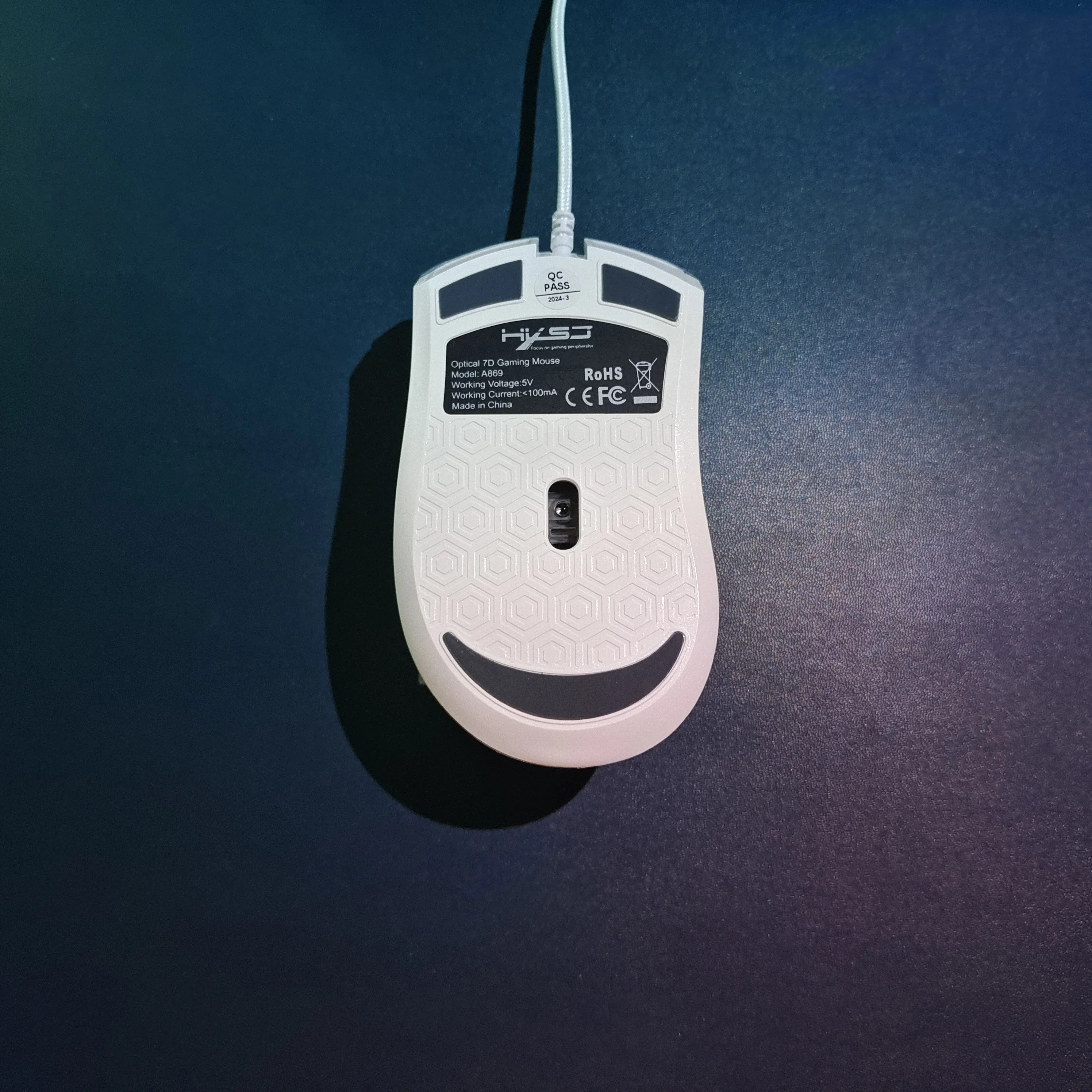
Battery included: No
Brand name: HXSJ
Certification: CE,FCC,RoHS
Choice: yes
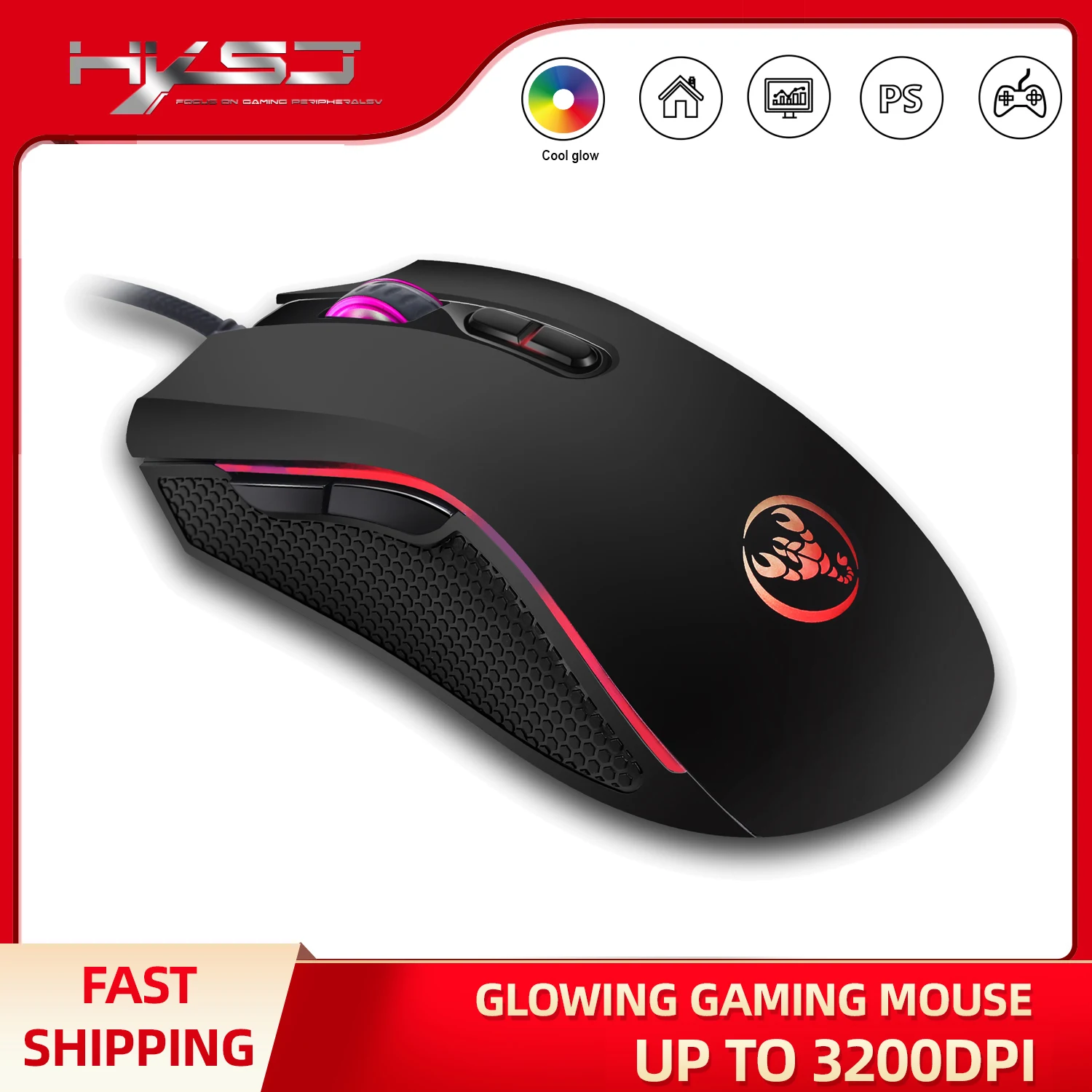
DPI: 3200
Gross weight: 180
Hand orientation: Right
High-concern chemical: None
Interface type: USB
Movement speed, IPS: 30
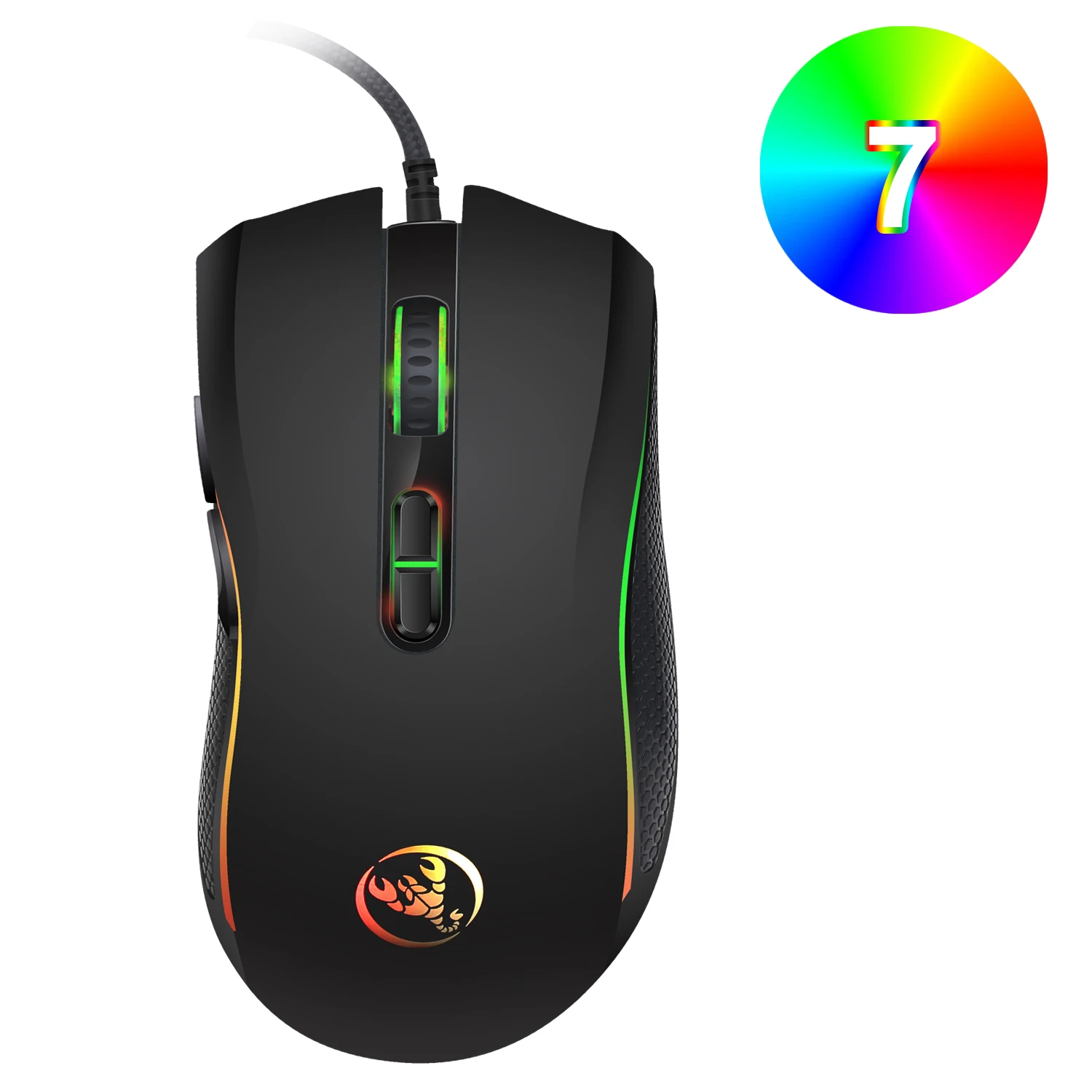
Number of buttons: 7
Number of scroll wheels: 1 pcs
Operation mode: Optical-electronic
Origin: Mainland China
Package: Yes
Style: DPI adjustment button, Optical scroll wheel, Backlight
Launch date: Aug-13
Type: Wired
 Specifications:
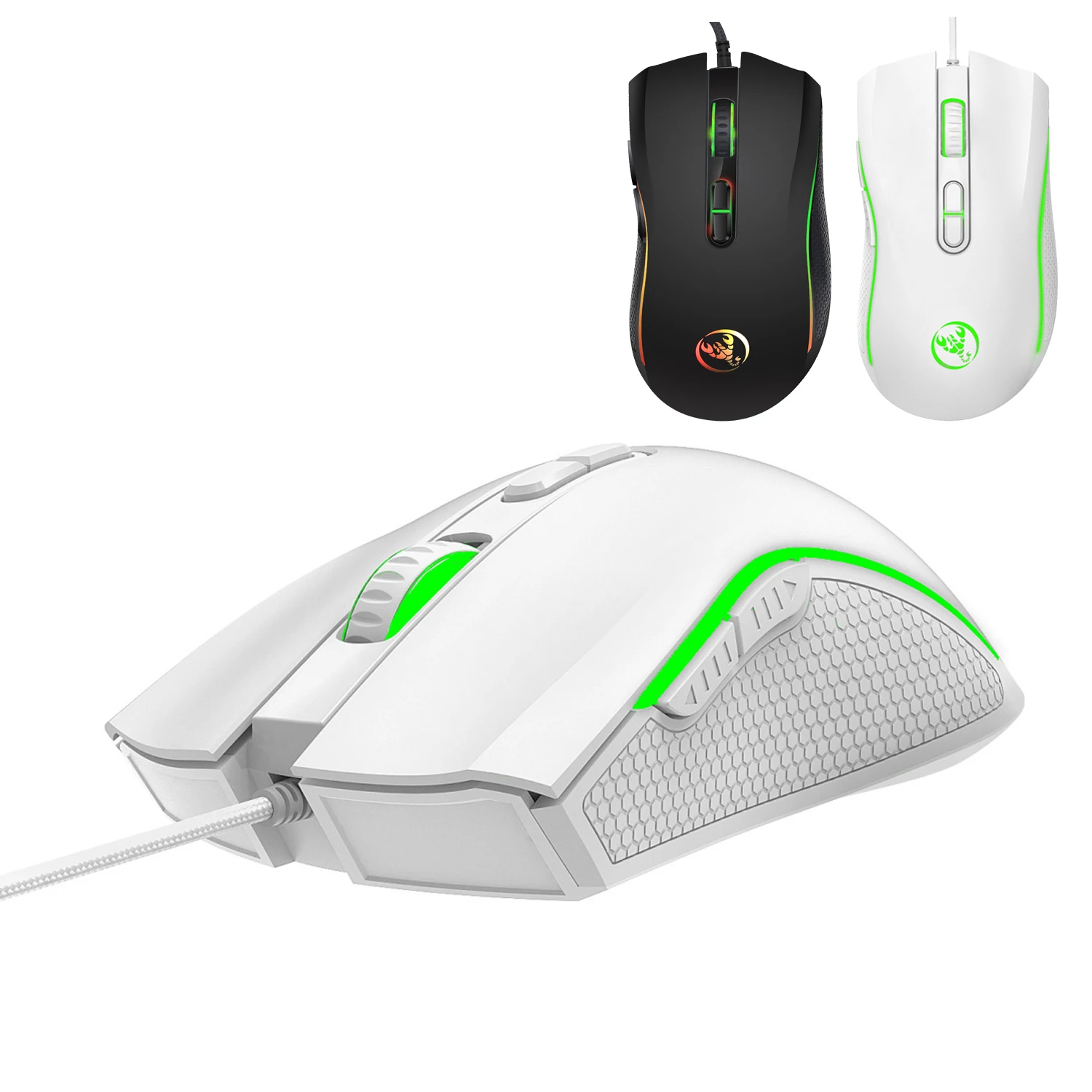
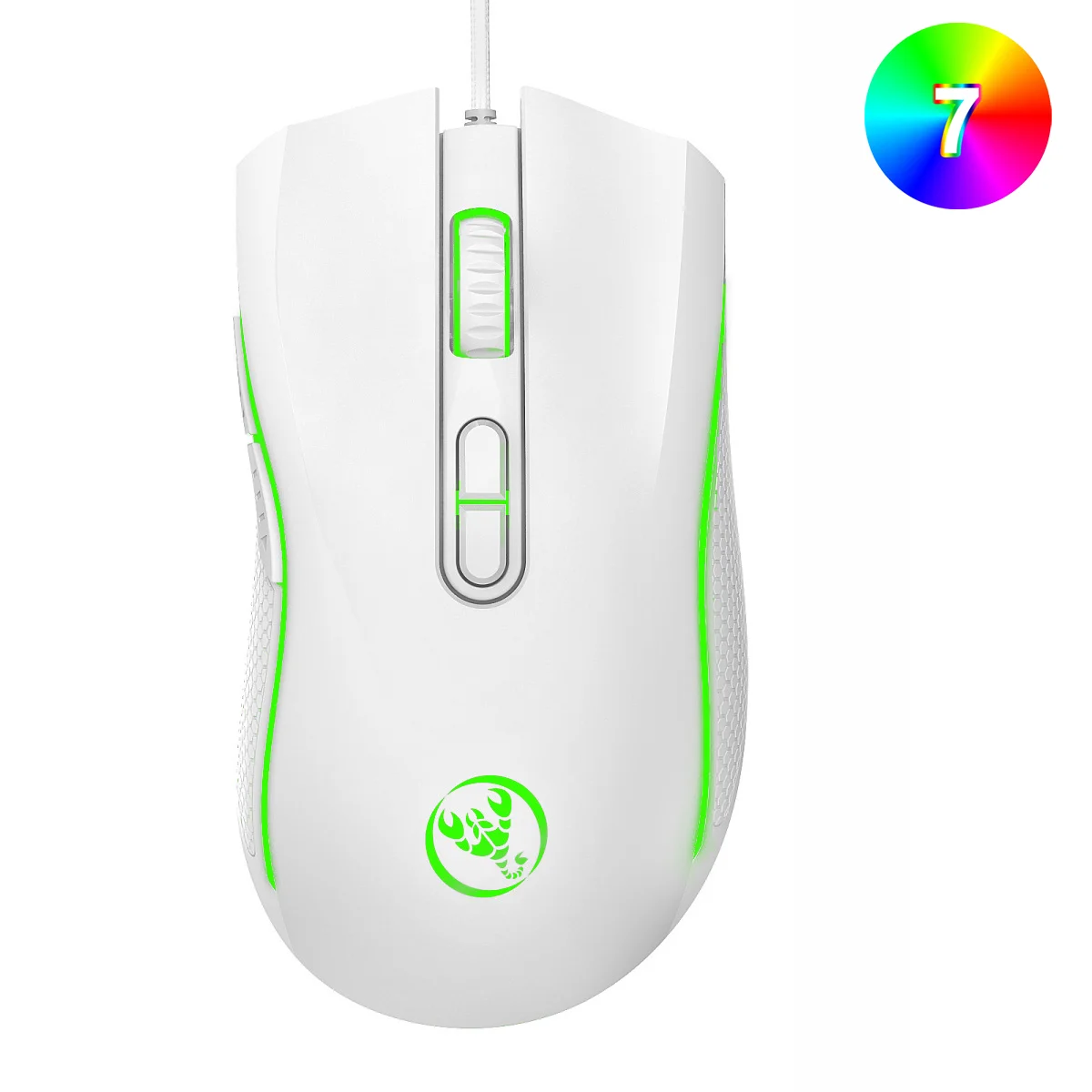
Color: Black,White
Material: ABS
IC:603
Polling rate: 125Hz
Movement speed: 30IPS
Refresh rate: 4000FPS
Acceleration: 8 G
Number of buttons: 7 Buttons
DPI:MAX 3200DPI(Default 1200/1600/2400/3200)
Tracking system: Optical
Rated voltage / current: DC 5V / 100mA
Connection: Wired
Cable length: Approx. 150cm
Port: USB 2.0
Switch lifespan: 10 million clicks
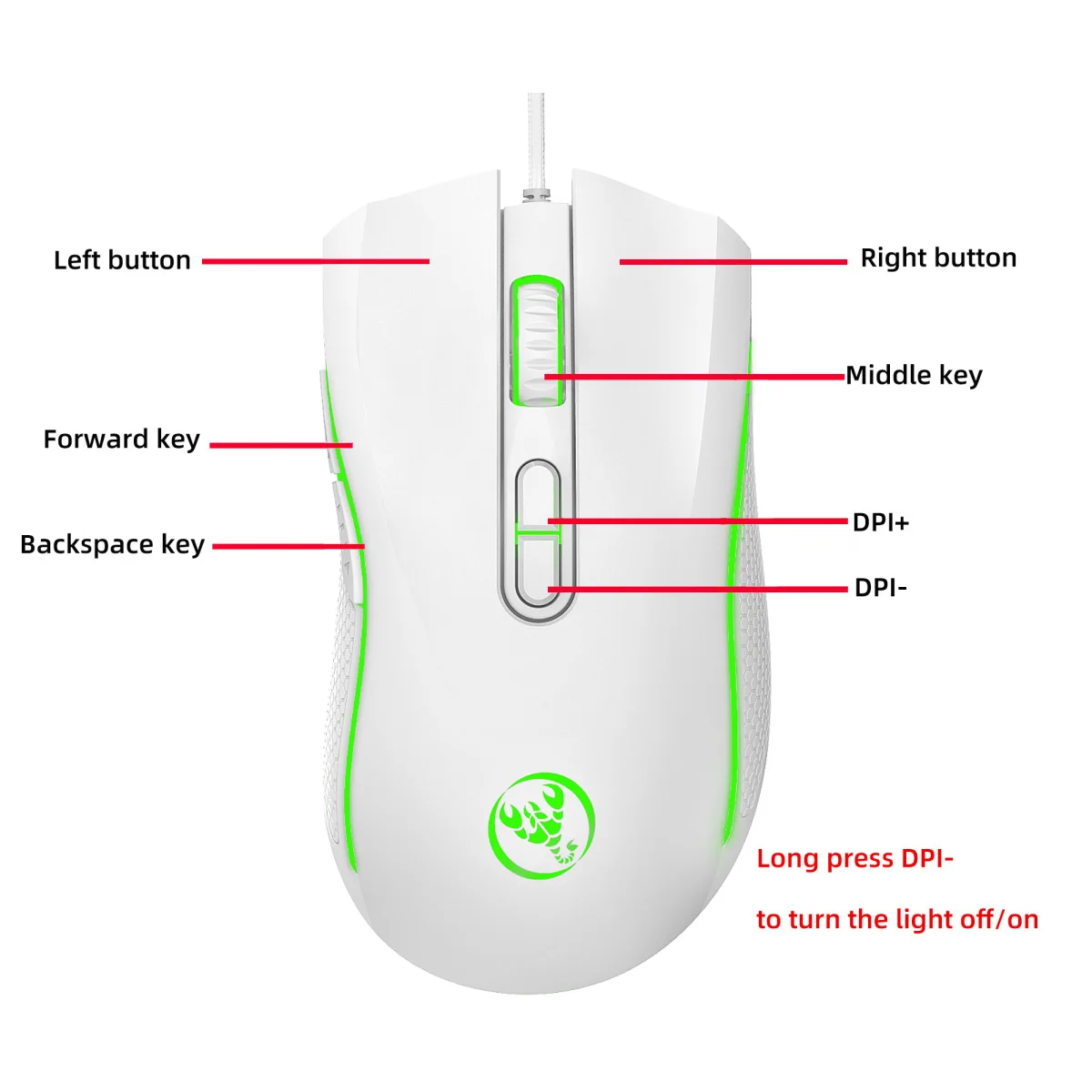
Buttons: Left, Right, Scroll Wheel, DPI +,DPI -, Forward, Back
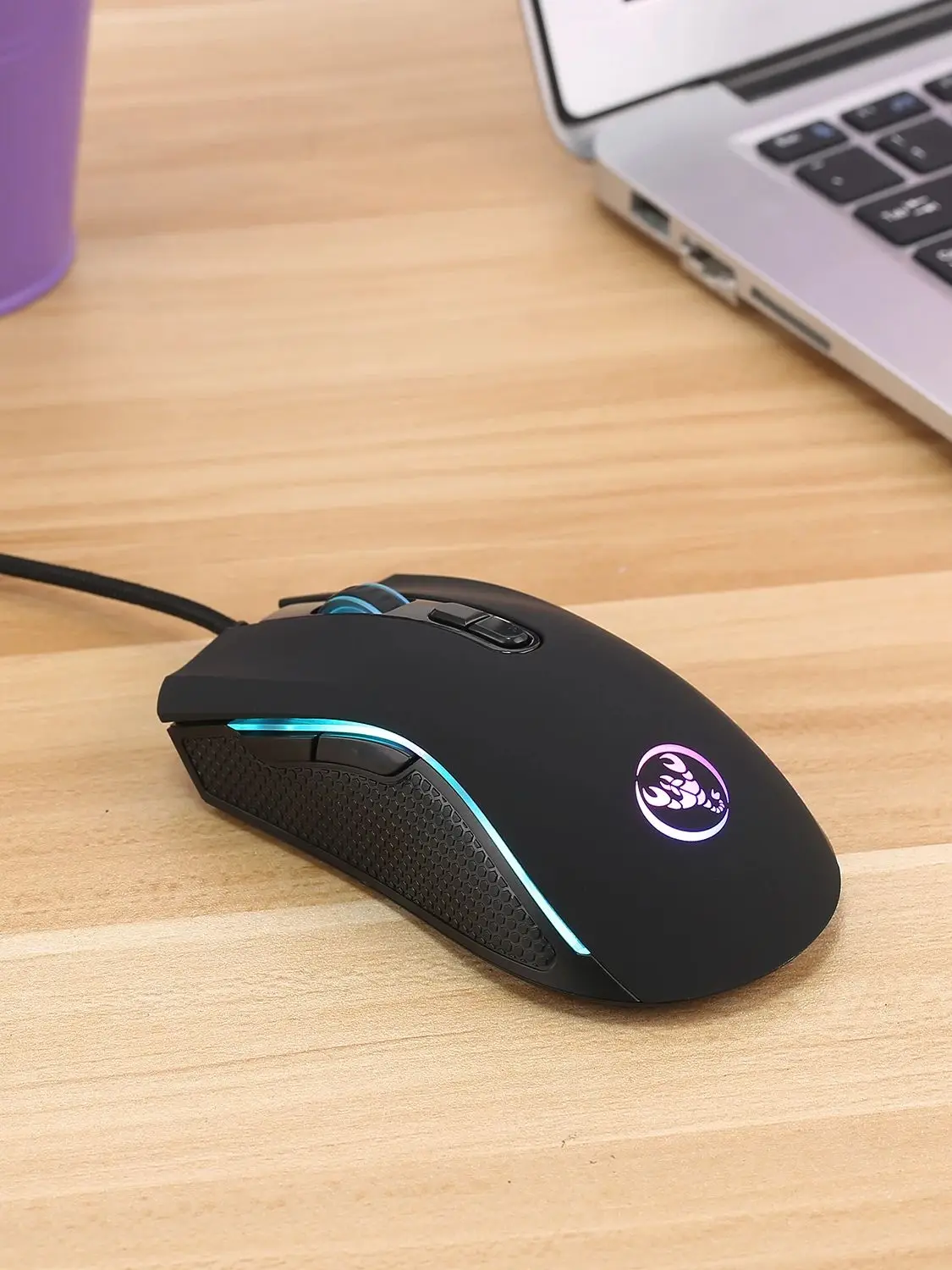
Lighting effect: Colorful illumination (lights can be turned off)
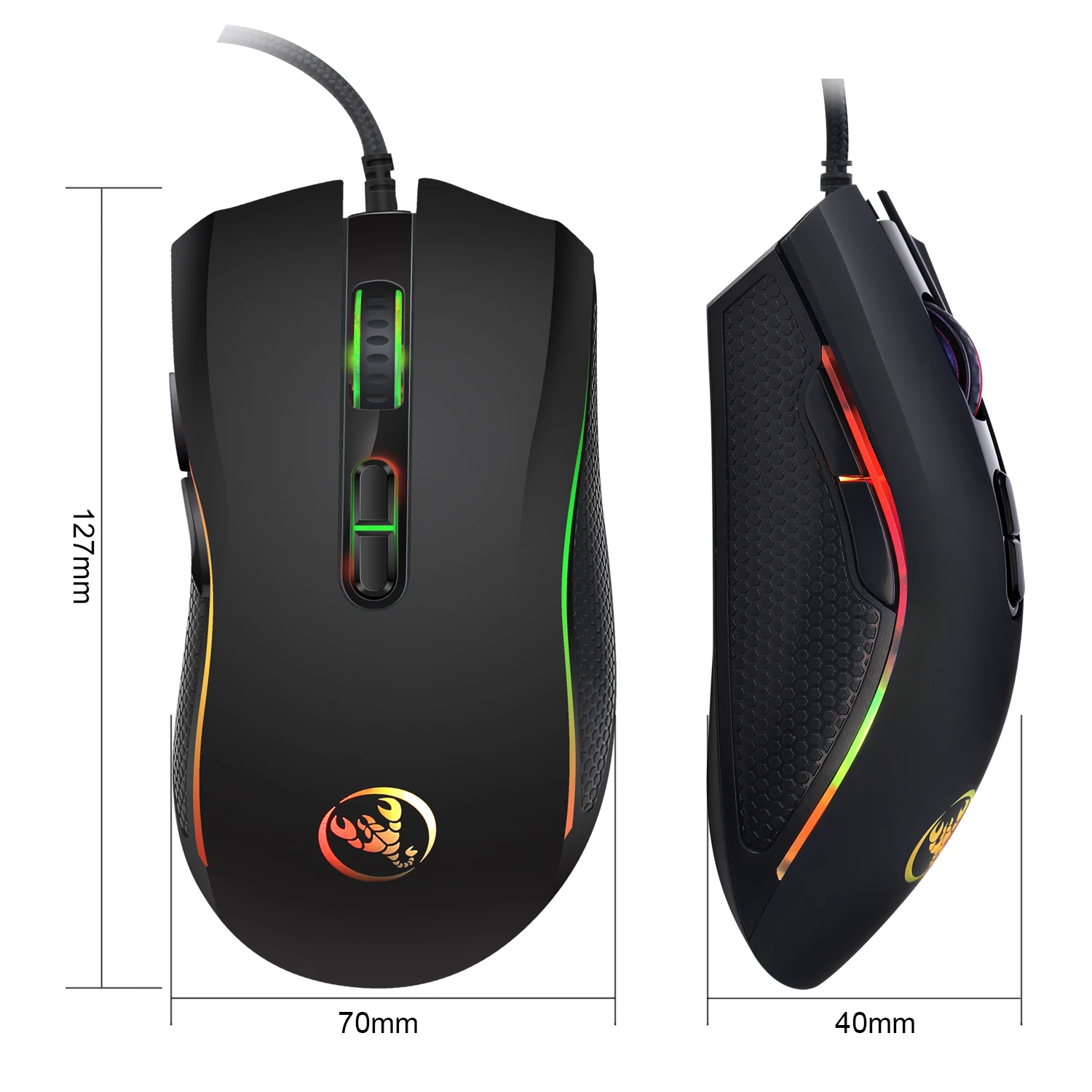
Item size: 12.7 * 7* 4cm (L * W * H)
Item weight: 131g
Package size: 13.5 * 8.5* 4.5cm (L * W * H)
Package weight: 159g
Package contents:
1 * Optical wired gaming mouse
1 * Multilingual user manual
System support:
Windows/2000/XP/Vista/7/8/10/11/Mac OS/Linux and later system versions
How to turn off the lights:
Long press the DPI - button for 3 seconds to turn the lighting on or off